MakeABox.io - the second coming. After 1.3M templates were downloaded from the first.
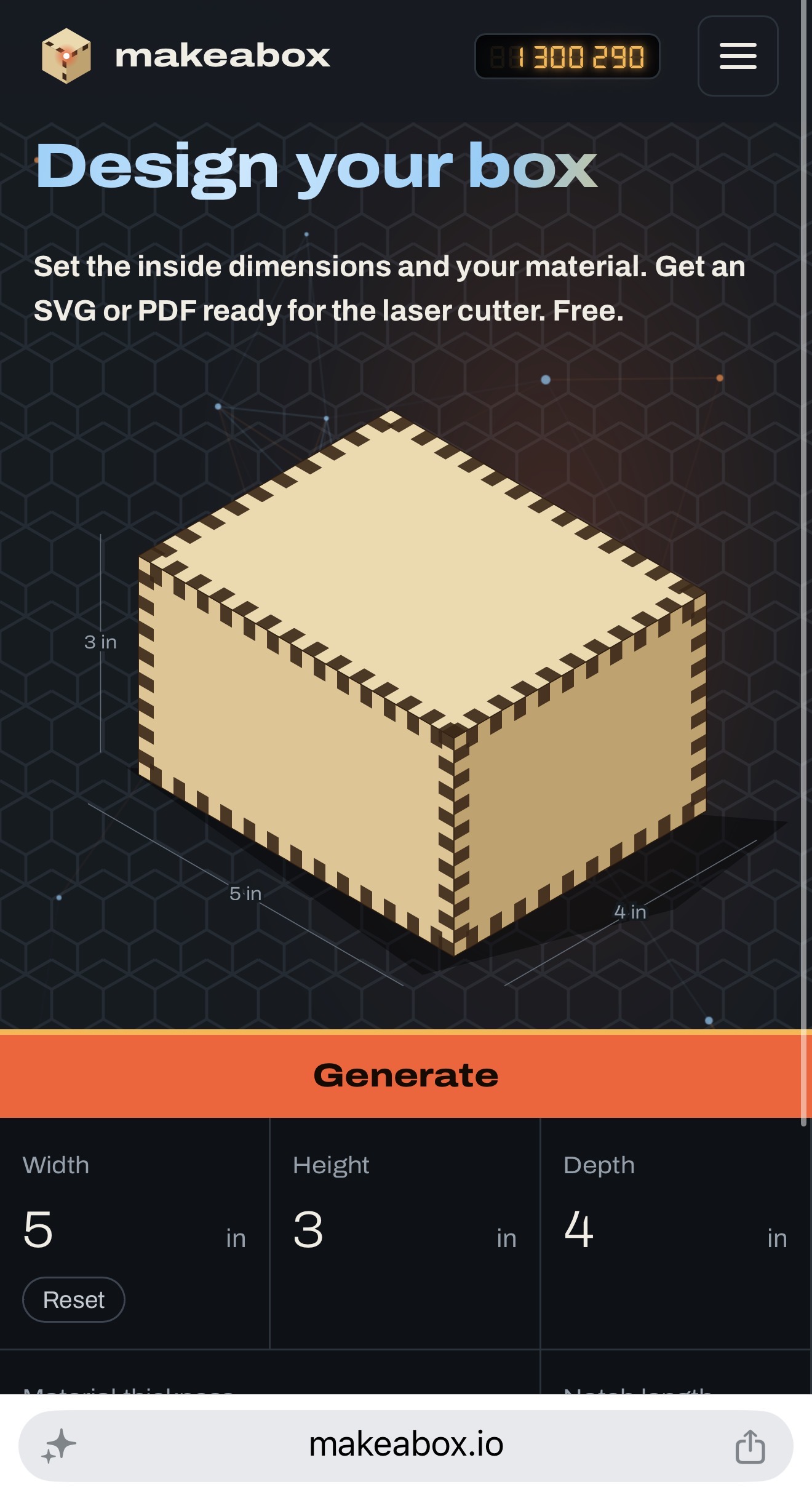
I wanted a box for my electronics. Naturally, I wrote a Ruby gem and built a website on top of the gem. A perfectly reasonable response to needing six pieces of plywood, if you ask absolutely nobody outside the software industry.
Apparently, other people needed boxes
That was back in 2014. Since then, to my complete shock, the site has generated over 1.3M boxes. Subtract 1.3M from the live counter at the top of MakeABox.io to see how many have been generated since the update.
One point three MILLION. These are generated templates, so I cannot claim there are 1.3 million physical boxes out there. But even allowing for experiments, repeat downloads, and people who just enjoy typing dimensions into things, that is a ridiculous number for a project I started because I was unhappy with the other box generators.
Anyway, MakeABox has had a substantial update. It exports SVG, shows you a preview of your box, offers two lid configurations, and fixes the floating-point bug that used to make the experience unnecessarily irritating. Apparently, my little box website has actual users, and I should probably look after them.
SVG, at long last
The SVG part deserves some celebration. My old workflow involved generating a PDF, opening it in Illustrator, adding holes for switches, screens, and cables, then heading to TechShop to cut the thing while swearing profusely. I documented the swearing in the original post, so at least that part of the process was reproducible.
PDF is still available, but now you can download an SVG for LightBurn or Inkscape, too. Both files contain the same panels. Use whichever suits your setup, add the openings your project needs, and get to the cutting. I have nothing against PDF. I just do not believe every circuit board needs to involve Adobe.
Breaking news: box website now shows boxes
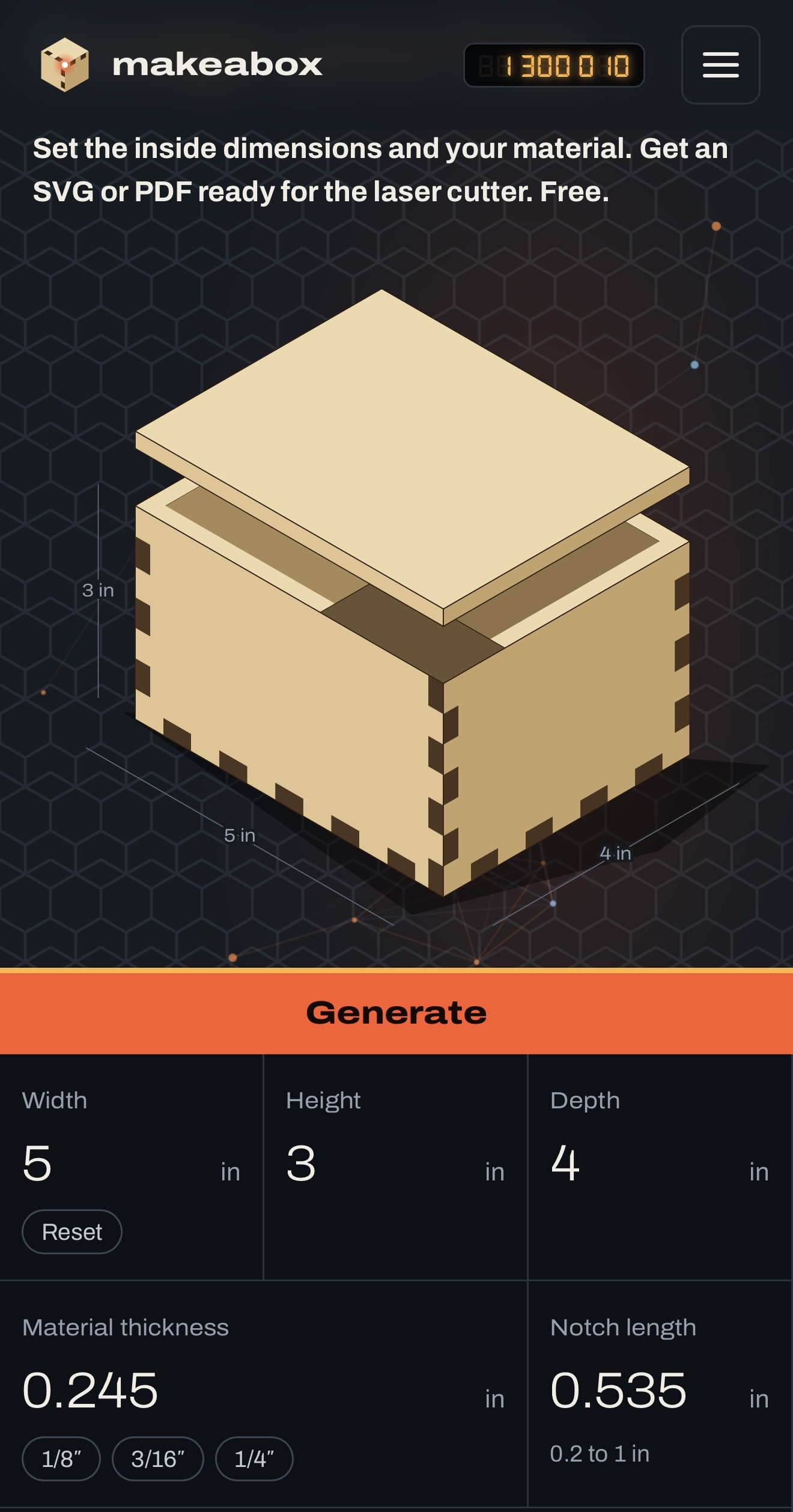
You can also see the box you are designing. Enter the dimensions, and the preview shows you the assembled shape with its measurements. Look at that. An actual box! On the box website! Only took me twelve years to get around to this.
The lids
Now, about the lids. At the bottom of my 2014 announcement, I put lids on the list of “next steps.” If you have ever wondered how much confidence to place in a programmer’s use of the word “next,” there is your answer.
They are here! Alongside the fully closed box, you can choose a lid with tabs along the back or a plain lid with no tabs. This is particularly useful for electronics enclosures, because you may eventually want to reach the electronics. Perhaps even before declaring the project finished. I am trying to develop this habit myself.
That floating-point bug was mine. It’s fixed.
And the floating-point bug is gone. If it annoyed you in the old version, you were right to be annoyed. I wrote the thing. I get to put my name under the nice screenshots, and I also get to own the irritating bits.
I would love to make this sound like an exotic numerical-computing breakthrough, but the announcement is simply that a known, annoying bug is fixed. Sometimes that is the feature you care about most. Fair enough.
Go make a box. It’s still free.
The site is still free. Enter the inside dimensions, tell it your material thickness, choose the top, and generate your files. The underlying laser-cutter gem is open source, too, for anyone whose reaction to all this is “I bet I could improve that.” Welcome. That reaction is how I got into this mess.
Go make a box. Give that exposed circuit board a home. And if you have been waiting since 2014 for the lids, thank you for your patience. I recommend setting a slightly firmer deadline for my next feature request.
And please, be a champ and leave a comment by hitting “Discussion” in the menu on MakeABox.io. You’ll need a GitHub login, but I figure most of you have one. Don’t be shy!
Comments